Description
- Hign-concerned Chemical: None
- Transport Protocol: NVME
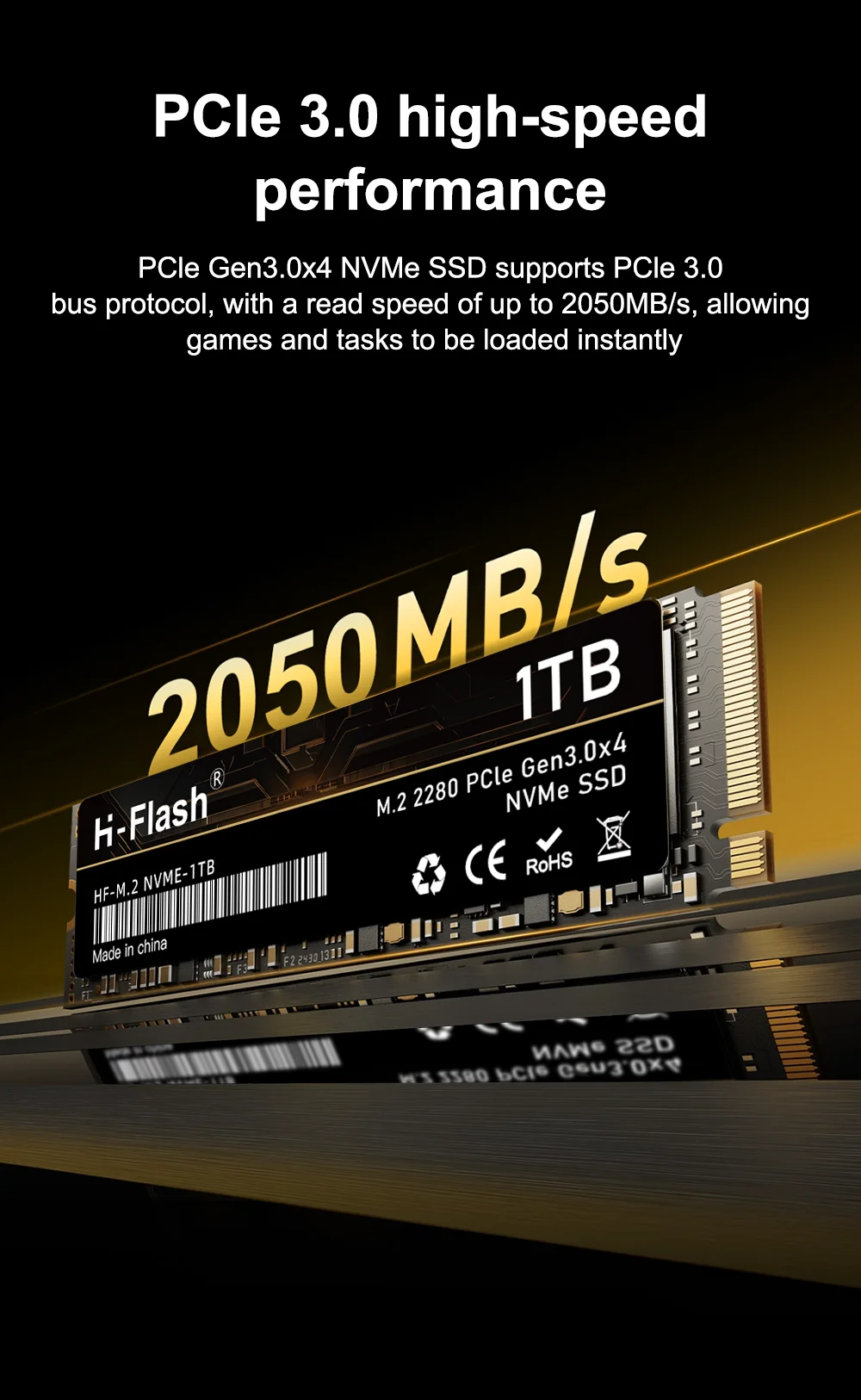
- Bus Type: PCIe 3.0×4
- RGB: No
- Cooling Fin: No
- Package: Yes
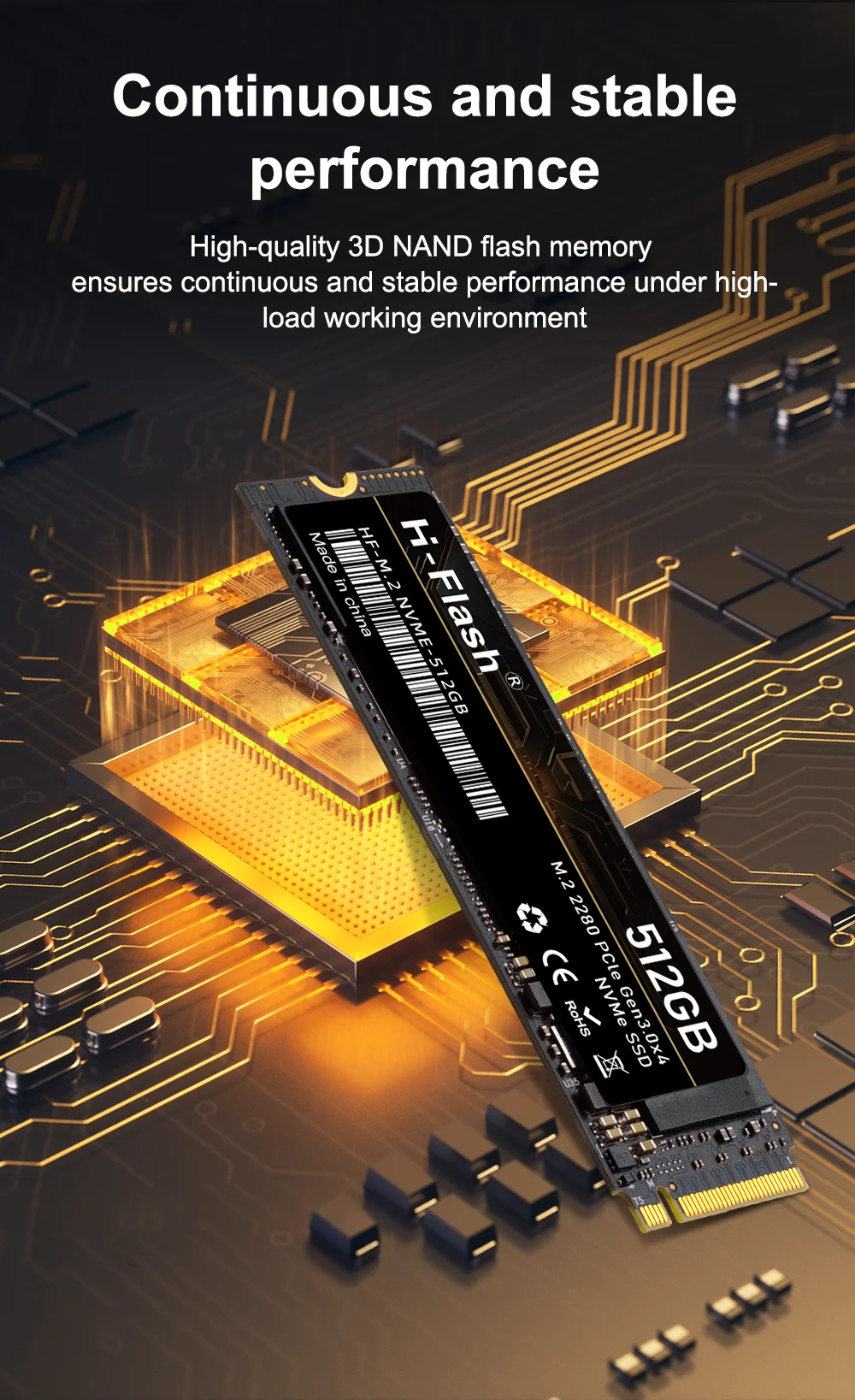
- Nand Flash Type: TLC
- Controller: M2 NVME PCIE 3.0
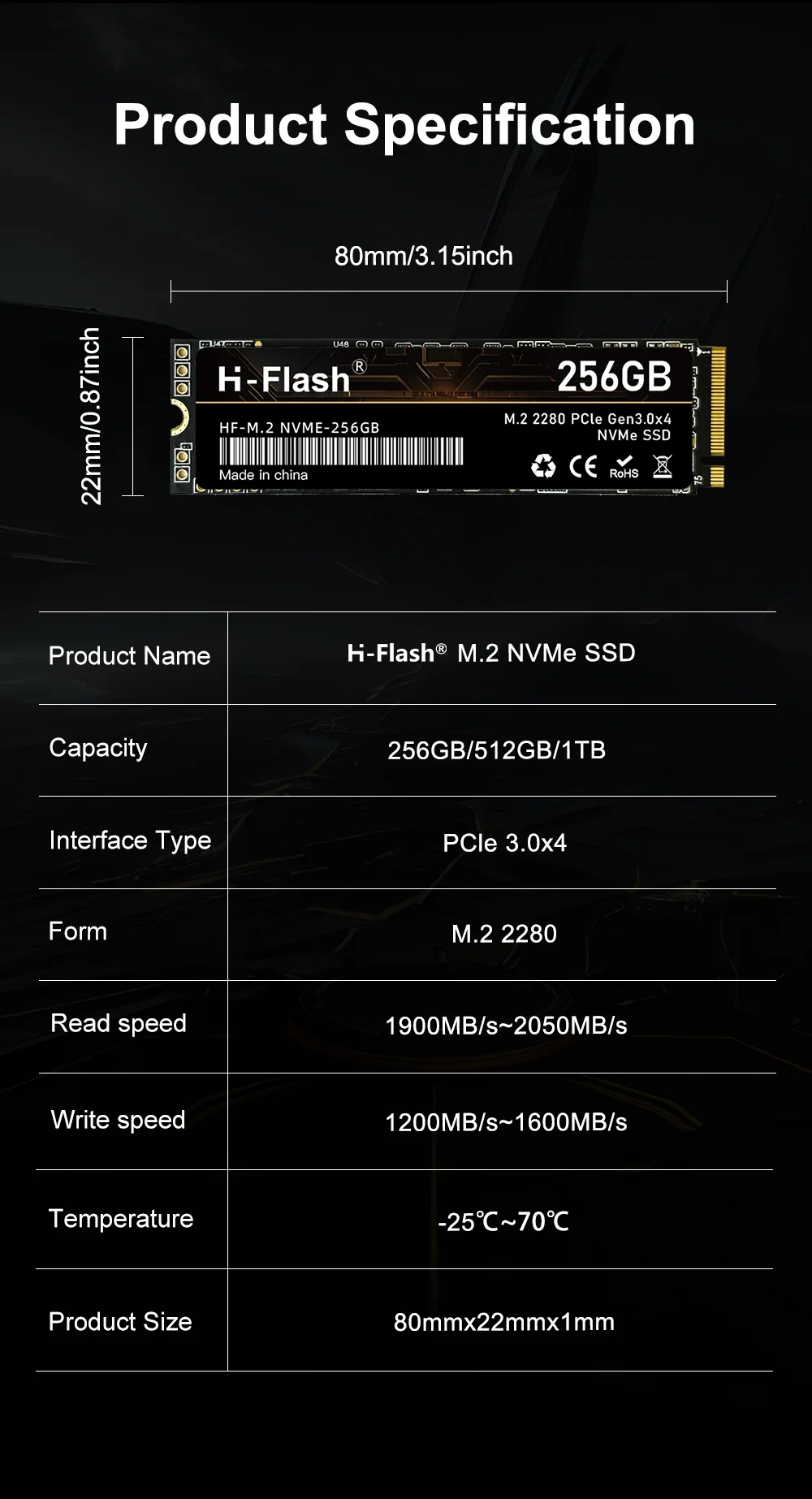
- Size: M.2 2280
- Interface Type: SATA
- Application: Desktop,Laptop,Server,Workstation,Industrial Computer
- Brand Name: H-FLASH
- Origin: Mainland China
- Type: Internal
- Style: SSD
- Certification: CE,FCC,RoHS
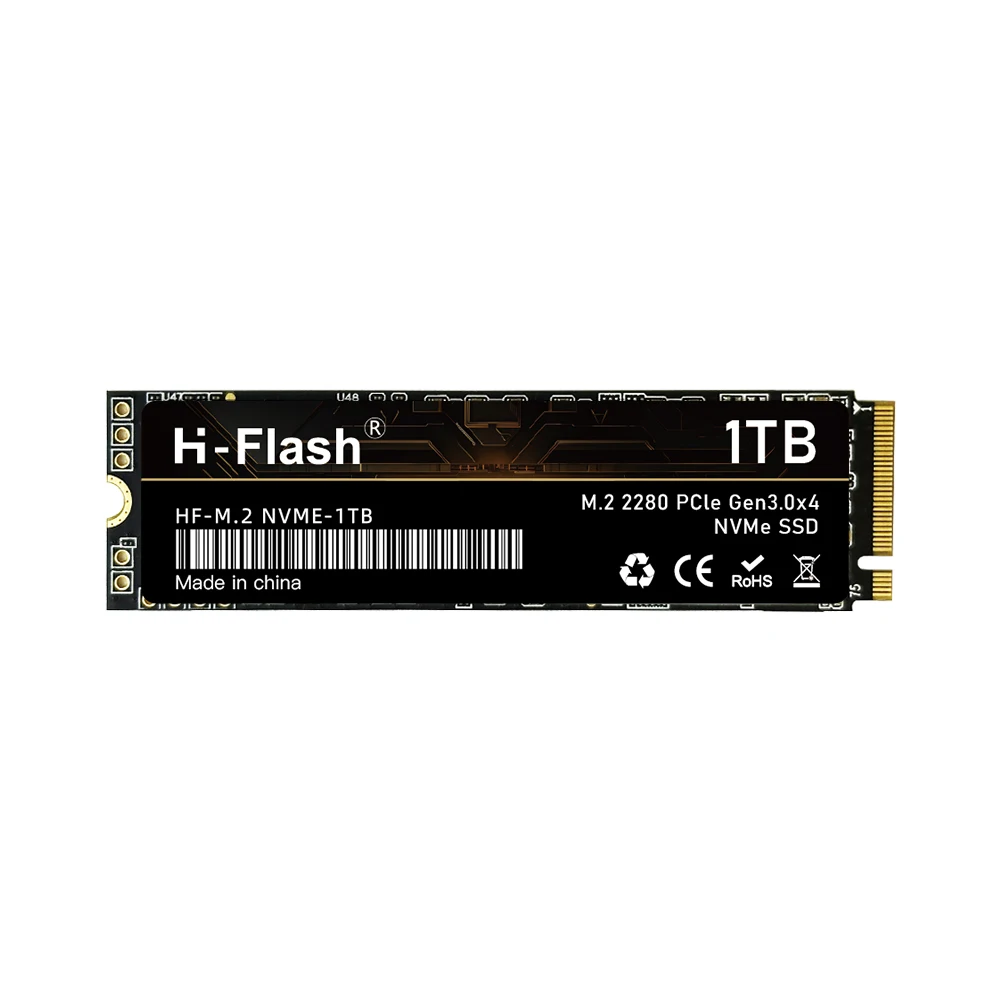
H Flash Ssd M.2 Nvme Pcie 3.0 Hard Disk M2 2280 Gen3 SSD 256gb 512gb 1tb 2tb Internal Hard Drive
For Notebook Desktop
Specifaiction:
Model Name:2280 M2 NVME PCIE3.0 SSD
Storage Capacity: 256GB/512GB/1TB/2TB
Storage Type: Internal
Caching Type: TLC
Interface: M.2 PCIE 3.0 x4
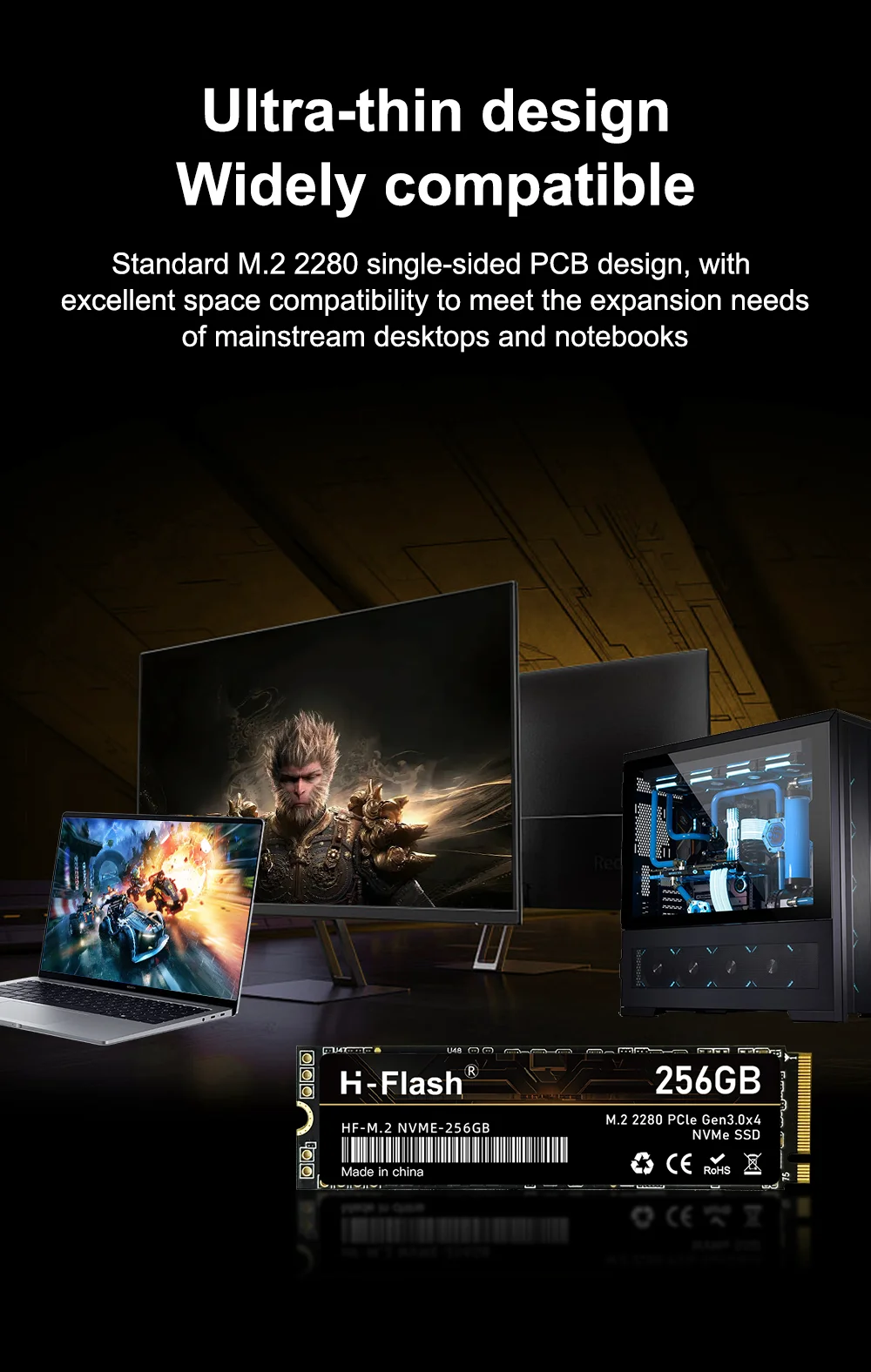
Compatibility: desktop, notebook, PC computer, DIY computer, Motherboard
Features:
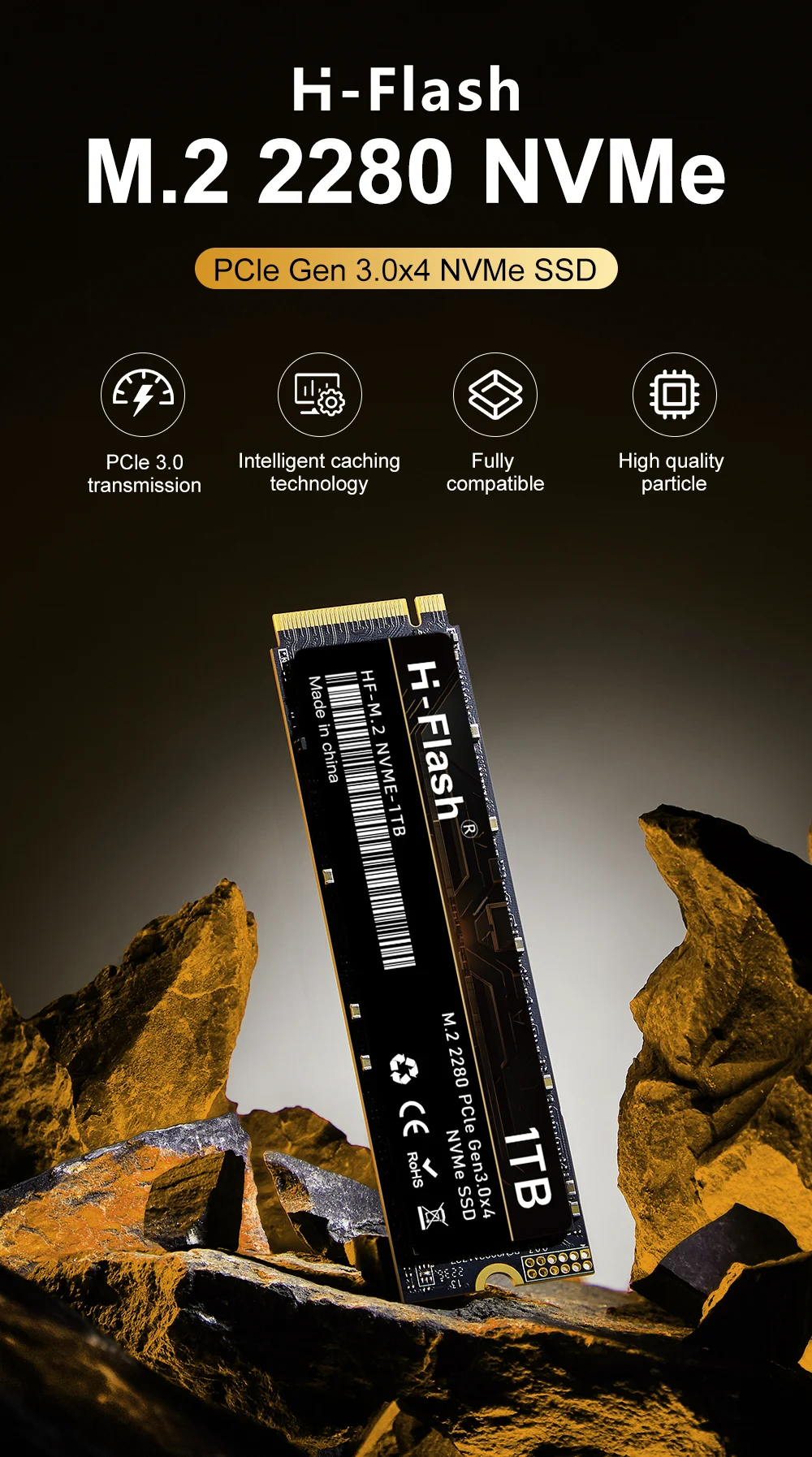
• PCIe 3.0×4 Type:The SSD uses PCIe 3.0×4 bus type, which provides faster data transfer speeds and improved power efficiency, provides high-speed data transfer between the SSD and the rest of the system.
• NVMe Protocol :The NVMe protocol provide fast data transfer speeds and improved system performance.
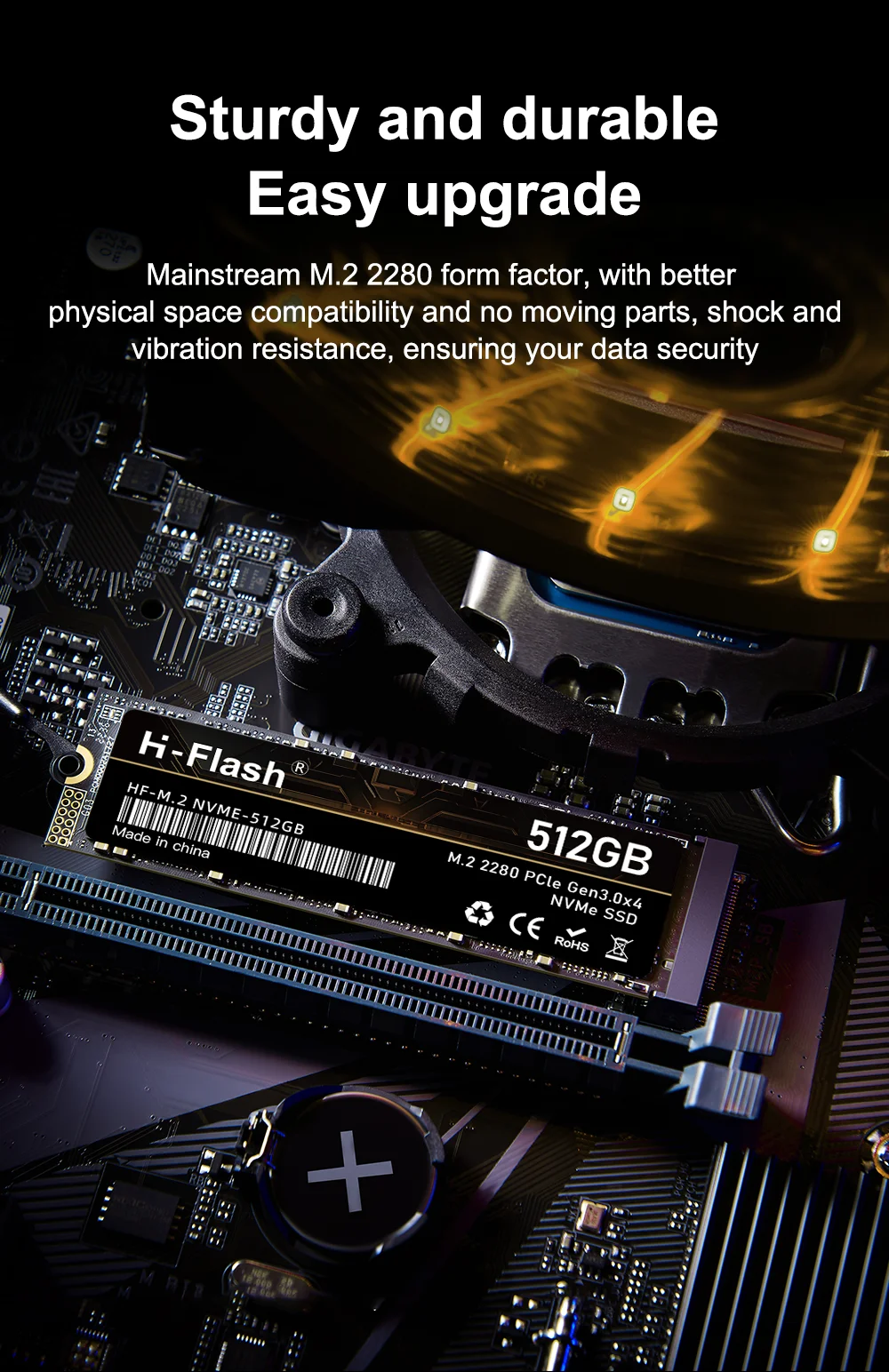
• M.2 2280 size: The M.2 2280 standard size ensures compatibility with a wide range of devices, making it a versatile option for upgrading your system's storage.

Before you use:
For new SSD, please finish disk initialization according to the following steps.
1. Open Start. Search for "Create and format hard disk partitions" and click the top result to open the Disk Management console.
2. Right click "Computer" – "Manage" – "Disk Management".
Find your unallocated disk, right click "Unallocated", and choose "New Simple Volume Wizard". So then your SSD can be detected.
Reviews
There are no reviews yet.